
Source attribution that works with your existing forms
SourceTag is one script on your site. It works out where each visit came from (Google Ads, Meta, LinkedIn, Microsoft Ads, organic search, social, a referral), sorts it into a channel, and writes that into hidden fields on your forms. There's no dashboard you have to keep checking. The data goes wherever your forms already go.
Two touchpoints
First click and last click
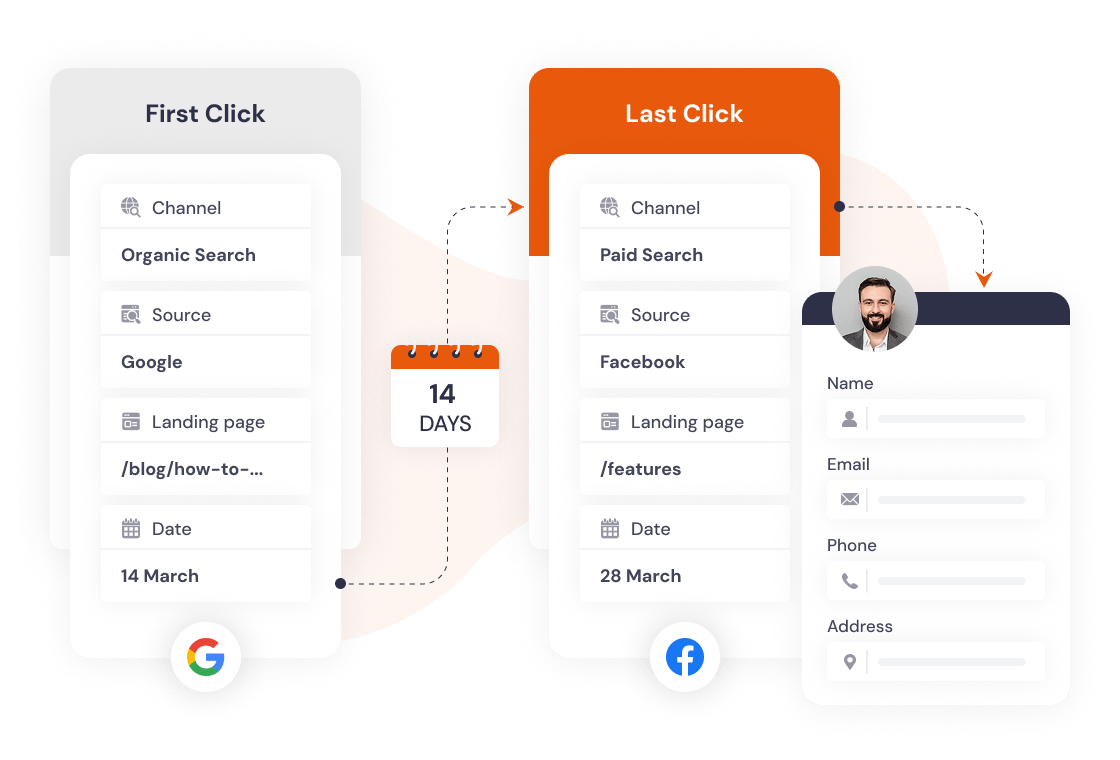
Every submission carries two sets of fields: the visit that first brought them to your site, and the visit that brought them back to fill in the form. You get both, so you don't have to pick an attribution model and argue about it later.
- First visit is locked on day one
- Last click updates on each return visit
- Both included in every form submission
Your rules, not ours
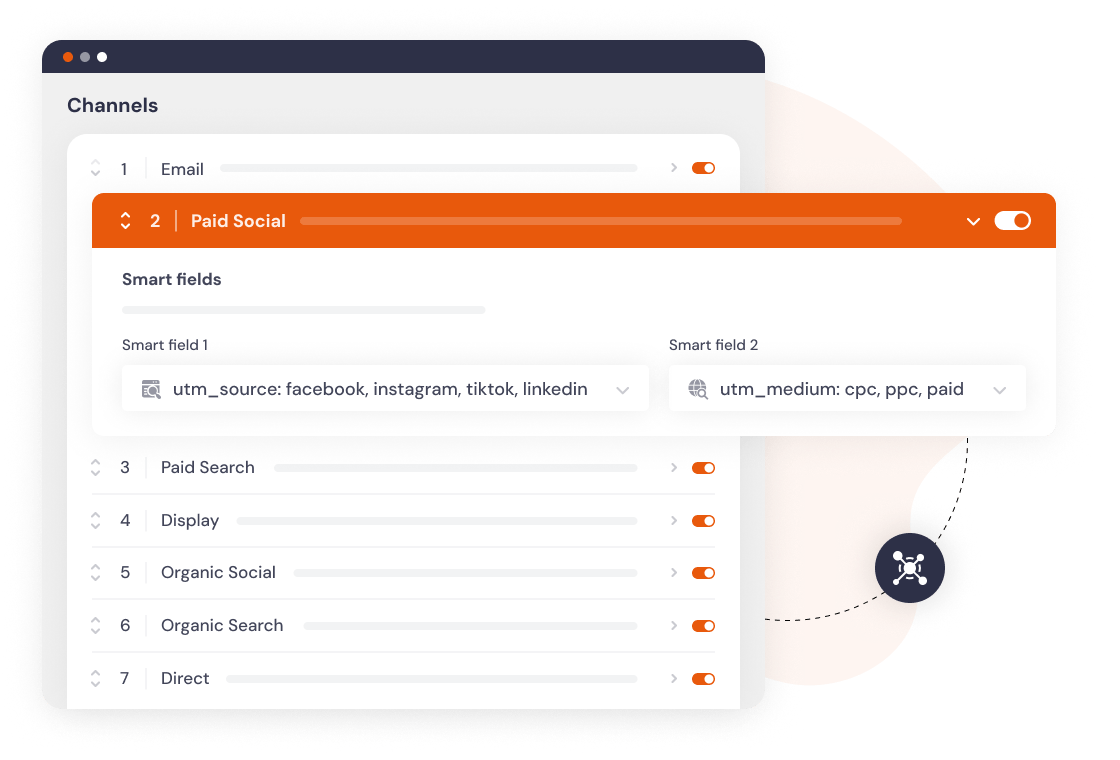
11 configurable channels
Visits are sorted by rules you can see and edit. Start with our eleven defaults, then reorder them, switch some off, widen the matching, or add channels of your own.
If our definition of "Paid Social" does not match yours, change it.
Smart fields
Smart fields that adapt to each channel
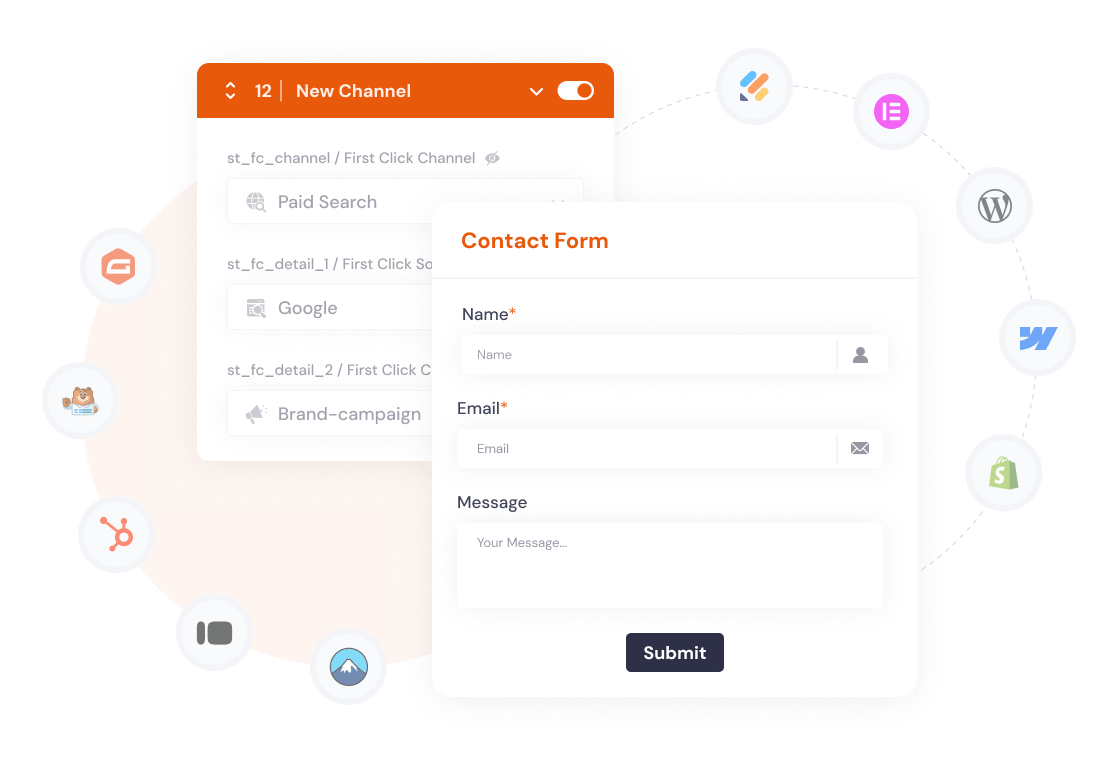
Four fields per touch change meaning depending on the channel. A Google Ads lead gets campaign, keyword and ad variation. An organic search lead gets the search engine and the page they landed on. You don't set any of that up.
If you want more, there are 20-odd optional fields: raw UTMs, a click ID per platform, visit counts, days to convert, and any URL parameter you name.
See the full field reference →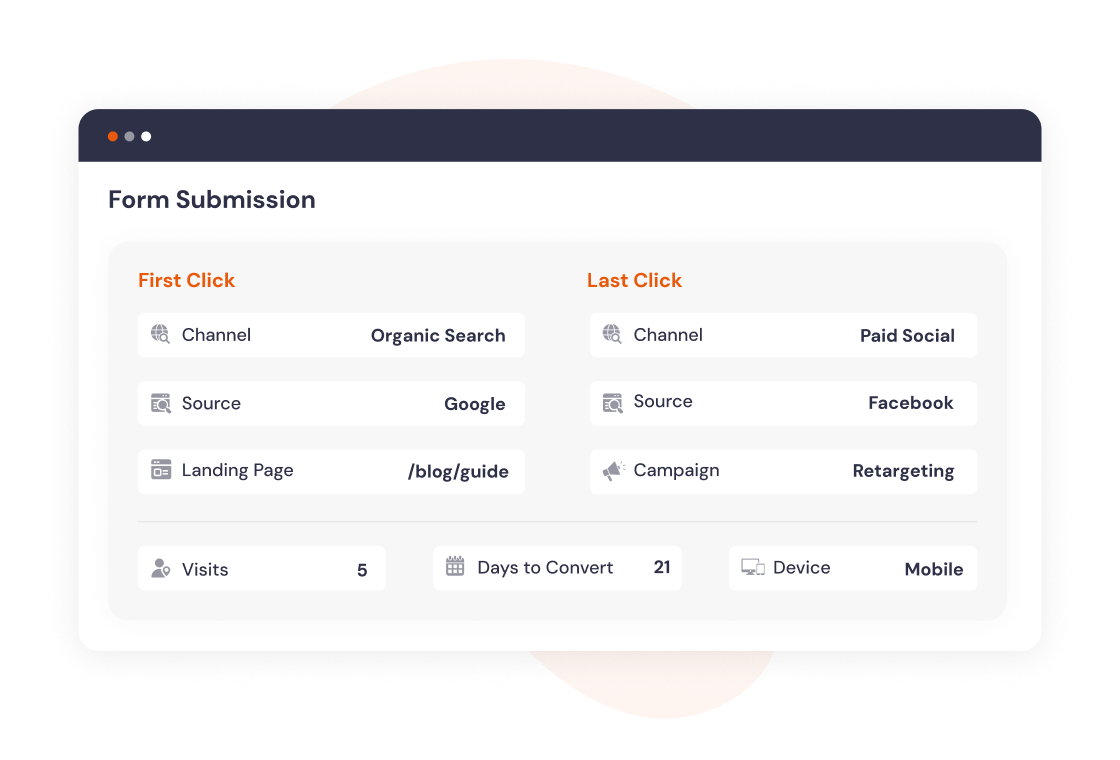
Click IDs from the ad platforms
Click ID capture
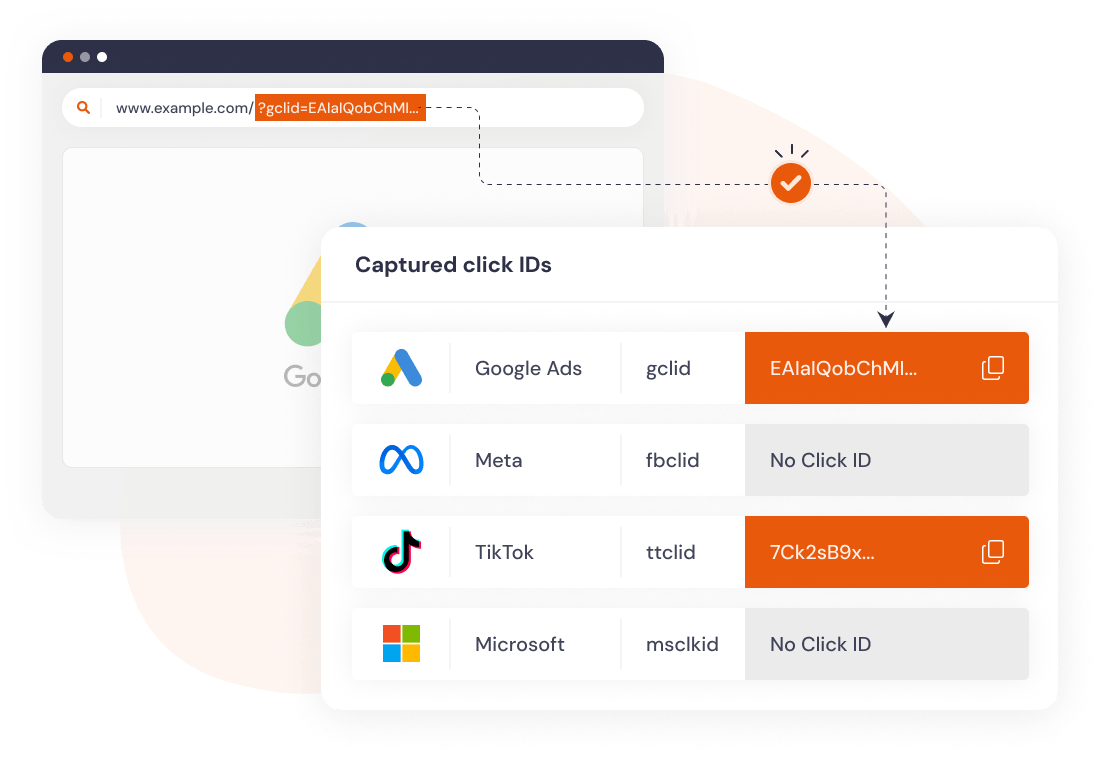
Google Ads (gclid), Meta (fbclid), Microsoft Ads (msclkid), TikTok (ttclid), plus gbraid and wbraid for app campaigns. SourceTag captures these automatically and includes them in form submissions.
Have them combined into one field per touch or split out per platform, whichever suits your CRM.
Form builders
Works with any form builder
Gravity Forms, Contact Form 7, WPForms, HubSpot Forms, Typeform, JotForm, Elementor, Formstack, Tally, Fillout, and more. If it renders an HTML form, SourceTag can populate it.
The script finds forms as they appear on the page, including ones loaded later by AJAX or inside a popup, and it gets on fine with React. Most form builders need no configuration at all.
Data fields
20+ data fields in every submission
Channel, source, campaign, keyword, ad content, landing page, click IDs, visit count, days to conversion, device type, and custom URL parameters. All captured automatically and sent with the form.
Attribution
Channel, source, campaign, keyword, ad content, landing page. First click and last click.
Click IDs
gclid, fbclid, msclkid, ttclid, gbraid, wbraid. Combined or individual fields per platform.
Visitor context
Visit count, days to conversion, device type, submission page, referrer domain.
Long sales cycles
400-day cookie persistence
Safari and privacy-focused browsers (Brave, all iOS browsers) limit JavaScript cookies to 7 days. If your leads take weeks to make up their mind, that's the attribution gone before they come back.
The SourceTag WordPress plugin sets cookies via HTTP headers, which these browsers allow for up to 400 days. For non-WordPress sites (Webflow, Squarespace, Framer), a Cloudflare Worker provides the same persistence.

It knows where traffic comes from
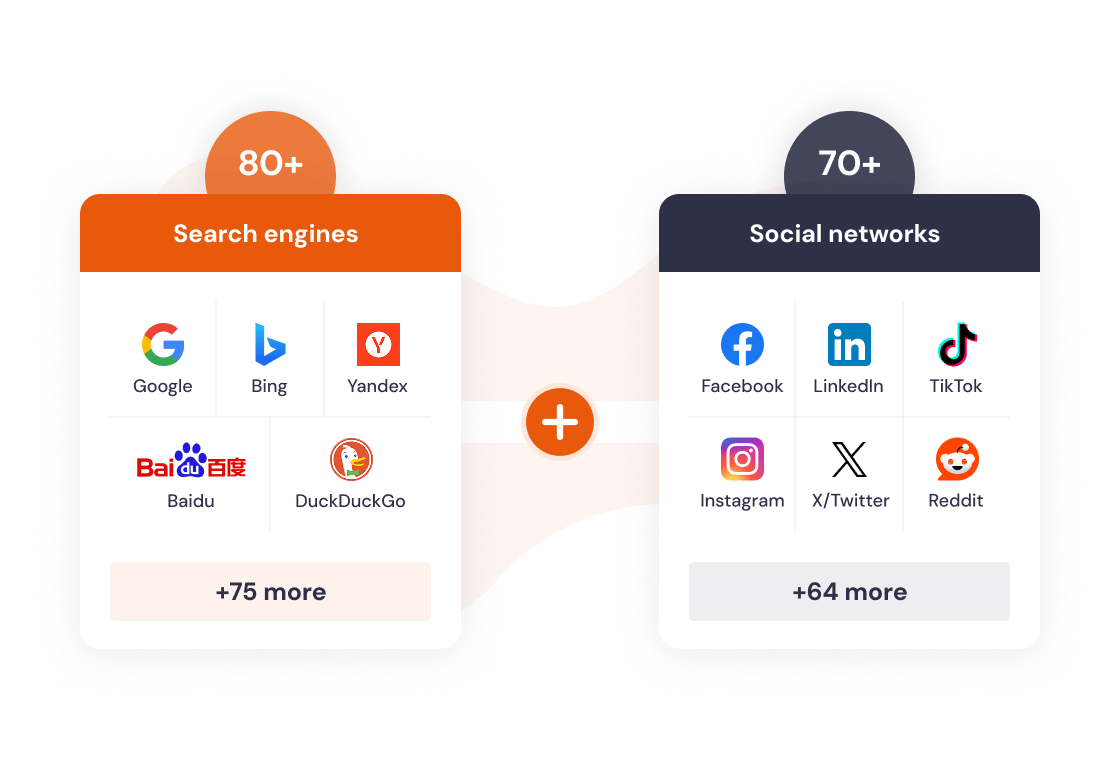
80+ search engines, 70+ social networks
Google country variants, Bing, DuckDuckGo, Yandex, Baidu, regional engines. Facebook, Instagram, LinkedIn, X, TikTok, Bluesky, Threads, Reddit, and dozens more.
We keep the list current. When a new platform starts sending traffic, we add it and your script picks it up on its next rebuild.
For developers
JavaScript API
For single-page apps, social logins and anything without a normal form, read the data from JavaScript and send it wherever you like: a chat widget, your analytics, your own API.
const fc = window.__sourcetag.getFC();
const lc = window.__sourcetag.getLC();
Frequently asked questions
First click captures the very first marketing touch that brought someone to your site. Last click captures the most recent touch before they converted. SourceTag records both in every form submission, so you see the full picture.
For paid campaigns, yes. UTM parameters tell SourceTag which channel and campaign a visitor came from. For organic traffic (search engines, social media, referrals), SourceTag detects the source automatically from the referrer.
These browsers limit JavaScript cookies to 7 days. The SourceTag WordPress plugin or Cloudflare Worker sets cookies via HTTP headers instead, which these browsers allow for up to 400 days.
If your form renders as an HTML form element, SourceTag can populate it. This includes Gravity Forms, WPForms, Contact Form 7, HubSpot Forms, Typeform, JotForm, Elementor, and many more. The script detects forms automatically, including dynamically loaded ones.
Smart fields are 4 contextual fields that adapt to each channel. For Paid Search, they contain source, campaign, keyword, and ad content. For Organic Search, they contain the search engine and referrer URL. This gives you the most useful data for each channel without manual configuration.
Yes. You can add custom channels with your own matching rules, reorder the priority of existing channels, extend default channels with extra values, or disable channels you do not need.
No. Attribution data is stored in a first-party cookie on your domain and submitted with your forms to your CRM or email tool. SourceTag never sees or stores your visitor data. The only data we receive is an anonymous submission count for billing.